



Topic Post ID Restore
1.0.0FreeNo reviews yet. Be the first to leave one. 117 viewsInvision Community 5 › Member Tools
By VulpelabFind other Vulpelab files
Restores sequential post numbers on Invision Community 5 topic replies. Each number sits next to the post options menu and links to that reply.
Displays the post number for each reply in a topic
The number links to the direct URL of that post
Positioned next to the post options menu
Uses Invision comment permalinks and feed order (no extra database queries)
Desktop and mobile
No ACP menu
What's New
Earlier versions
0.1.0
Restores sequential post numbers next to the options menu, linking to each reply.
Be the first to like this
Reviews
0 reviews Add a review...
Log in to leave a review.
No reviews yet. Be the first to leave one.
v1.0.0 (August 14)
Current releasev0.1.0 (August 14)
- Restores sequential post numbers next to the options menu, linking to each reply.
Other Marketplace modules
Abuse Detection
One-off
Invision Community 5 › Security
Application-layer abuse detection for Invision Community, with an AttackHistory collector. Records scanner probes, XSS/SQLi/traversal attemp
0 reviews 90 views
View product 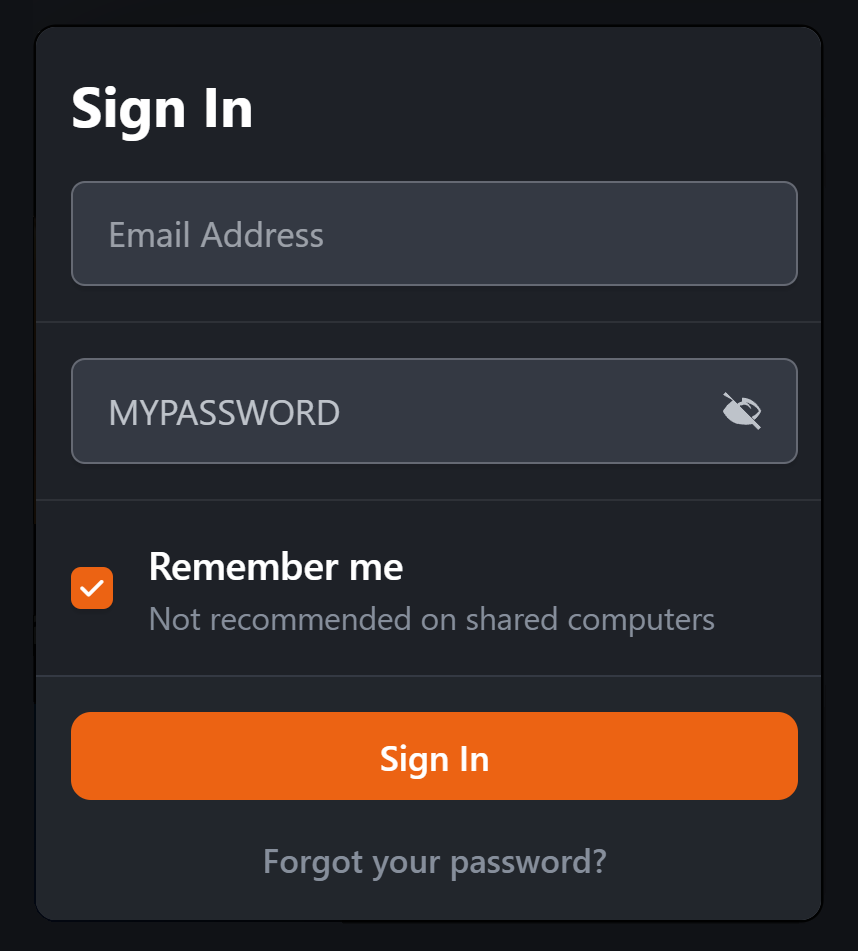
Password Viewer
One-off
Invision Community 5 › Member Tools
Adds a convenient Show/Hide Password option to password fields, allowing members to quickly check their password before submitting a form. T
0 reviews 322 views
View product Vulpelab: Abuse Detection
One-off
cPanel / WHM › Security
Abuse detection for cPanel/WHM servers, with Licence & Cloud so the install can activate and validate against Vulpelab Cloud. Same comme
0 reviews 127 views
View product Vulpelab: Abuse Detection
One-off
Linux › Security
Abuse detection for Debian / Proxmox Linux servers. Command-line GUI (TUI), not WHM. Own Cloud module so a VL- key can be sold and validated
0 reviews 84 views
View product